
AccsiCapture - Overview
AccsiCapture
By nacer baaziz
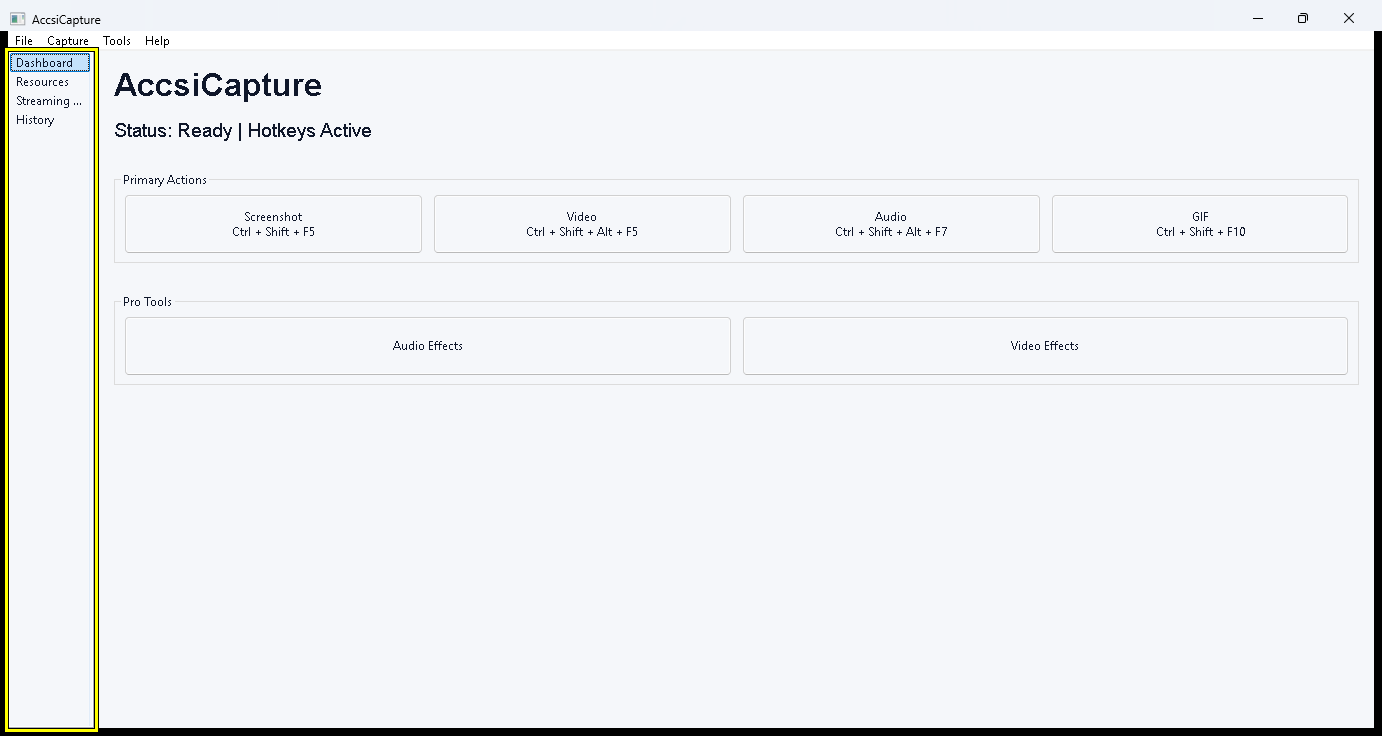
AccsiCapture is a comprehensive studio utility for Windows designed for accessible, quick, and powerful screen captures, 4K video recording, and advanced multi-track audio routing. It runs discreetly from the system tray and is controlled via global hotkeys and a revolutionary Virtual Panel. With an emphasis on 100% accessibility, it provides clear audio cues, a powerful UI Automation-based selection overlay, and intelligent features like video auto-pausing and audio auto-ducking to ensure a seamless workflow for power users, content creators, and the visually impaired.
AccsiCapture – The Complete Studio & Capture Suite
A powerhouse utility for Windows offering revolutionary multi-track audio routing, 4K video recording, advanced screenshotting, and 100% keyboard accessibility.
🌟 Why Choose AccsiCapture?
AccsiCapture is not just another screen recorder. It is a complete, professional-grade media studio disguised as a lightweight utility. Built from the ground up for power users, content creators, and visually impaired professionals, it allows you to control complex recording and live-streaming workflows without ever taking your hands off the keyboard.
With intelligent audio cues, a state-of-the-art Virtual Panel, and the ability to route and isolate audio like a hardware mixer, AccsiCapture adapts to your exact needs.
🎛️ The Ultimate Audio Routing & Multi-Track Engine
Throw away your complicated virtual audio cables. AccsiCapture features an insanely powerful audio engine that lets you capture, isolate, and mix exactly what you want.
🎙️ Infinite Audio Flexibility: Record Any Input, Output, or App (Click to collapse)
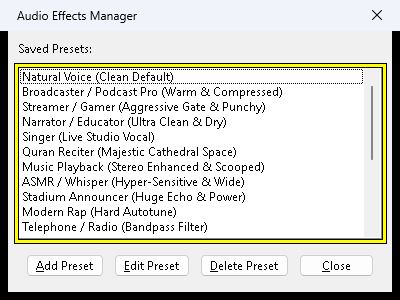
- Application-Specific Audio: Hook directly into a specific app (like a game or Discord) to record only its audio, completely ignoring system notification sounds.
- Exclude Applications: Want to listen to Spotify while recording a tutorial without the music ending up in the video? Easily exclude specific apps from your audio capture!
- Capture Any Device: Record from any specific hardware input (Microphones, Line-In) أو output (Speakers, Headphones).
- File Streams: Inject and loop local audio files directly into your recording or live stream as a dedicated resource track.
🎚️ True Multi-Track vs. Smart Mixdown (Click to collapse)
Combine multiple audio and video resources however you see fit:
- Single Track Mixdown: Intelligently mix your microphone, game audio, and webcam into one beautifully balanced media file.
- True Multi-Track Recording: Save every single resource as an independent file (e.g.,
mic.wav,discord.mp3,gameplay.mp4) inside a dedicated session folder. This is an absolute game-changer for video editors in post-production!
🎵 Studio-Grade DSP Effects & Auto-Ducking (Click to collapse)
Transform your microphone into a broadcast-ready studio mic in real-time:
- Professional Auto-Ducking: AccsiCapture automatically and smoothly lowers the volume of your game or system audio the moment you speak into the mic, and raises it back up when you stop.
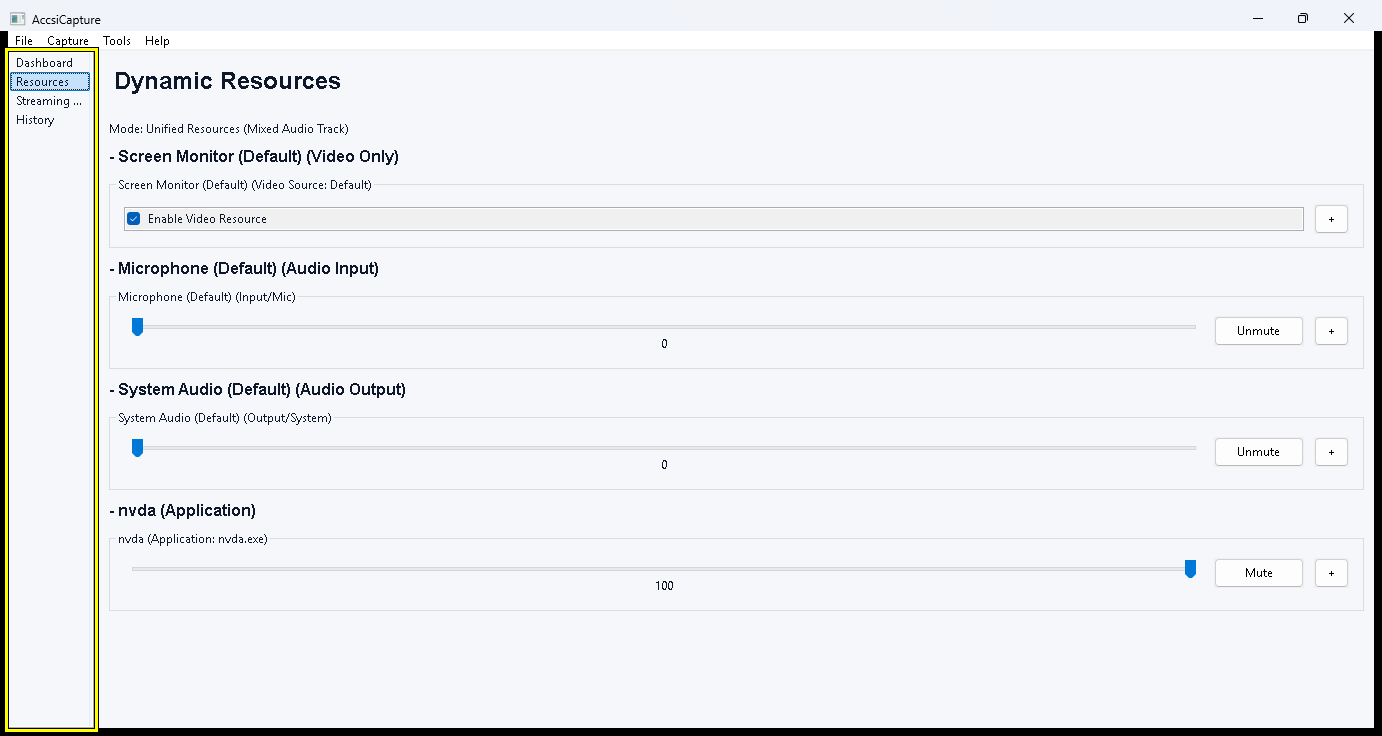
- 12 Built-In Audio Effects: Apply Noise Gates, Noise Suppression, De-Essers, 10-Band EQs, Compressors, Reverb, Pitch Shifting, and Vocal Tuning live!
- Acoustic Echo Cancellation (AEC): Record with your speakers on! AEC analyzes system audio and removes it from your microphone feed to prevent echoes.
📸 Advanced Screenshotting & Capture Modes
AccsiCapture delivers flawless, high-performance visual capture capabilities.
📐 5 Intelligent Screenshot Modes (Click to collapse)
- Full Screen: Instantly captures everything visible across all connected monitors.
- Free Form Selection: Pixel-perfect region cropping using your mouse and a built-in magnifier.
- Active Window: Automatically captures the window that currently has focus.
- Keyboard Focused: Instantly capture the exact UI control (like a specific text box or button) that currently holds your keyboard input focus.
- Mouse Focused: Capture whatever specific UI element is currently under your cursor.
🎥 Professional Video & GIF Capture
🎬 4K Video at 240 FPS & Smart Auto-Pause (Click to collapse)
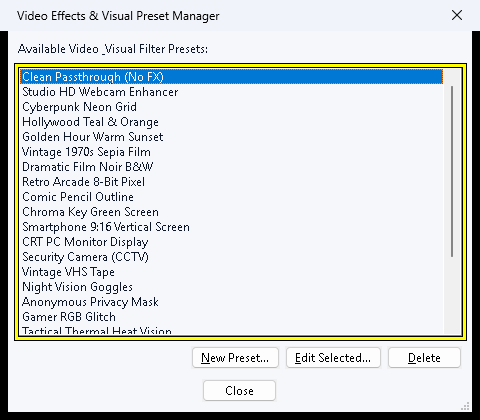
Record your screen or specific applications at up to 240 FPS and 4K Ultra HD. Take advantage of Smart Auto-Pause: If you are recording a specific application window and it loses focus or is minimized, the recording automatically pauses and seamlessly resumes when brought back to the foreground!
Need a quick animation? Record your screen directly to an animated GIF file.
♿ Designed for 100% Accessibility
Accessibility is not an afterthought; it is the foundation of AccsiCapture.
🎛️ The Virtual Panel (Click to collapse)
A revolutionary feature triggered by a global hotkey that temporarily intercepts your keyboard. It allows you to fully control the audio mixer, effects, balance, and recording states with direct speech feedback—without ever needing to look at or navigate the graphical user interface.
🗺️ Accessible Custom Selection Overlay (UIA) (Click to collapse)
Built on Microsoft UI Automation (UIA), this state-of-the-art overlay allows visually impaired users to trace screen boundaries, measure elements, extract text (OCR), and capture any UI element using only the keyboard!
- Smart Navigation: Cycle through UI elements (Buttons, Links, Headings, Lists) using directional arrow keys.
- OCR & Text Extraction: Instantly perform OCR or extract text from complex nested UI elements straight to your clipboard.
- Edge Placement Keys (E, R, D, F): Draw perfect bounding boxes blindly. Map your logical directional movements to visual boundaries by locking the Left (
E), Right (F), Top (R), and Bottom (D) edges of your selection area as you navigate the UI tree.
📡 Live Streaming & Virtual Camera
🖥️ Audio Router & Virtual Webcam (Click to collapse)
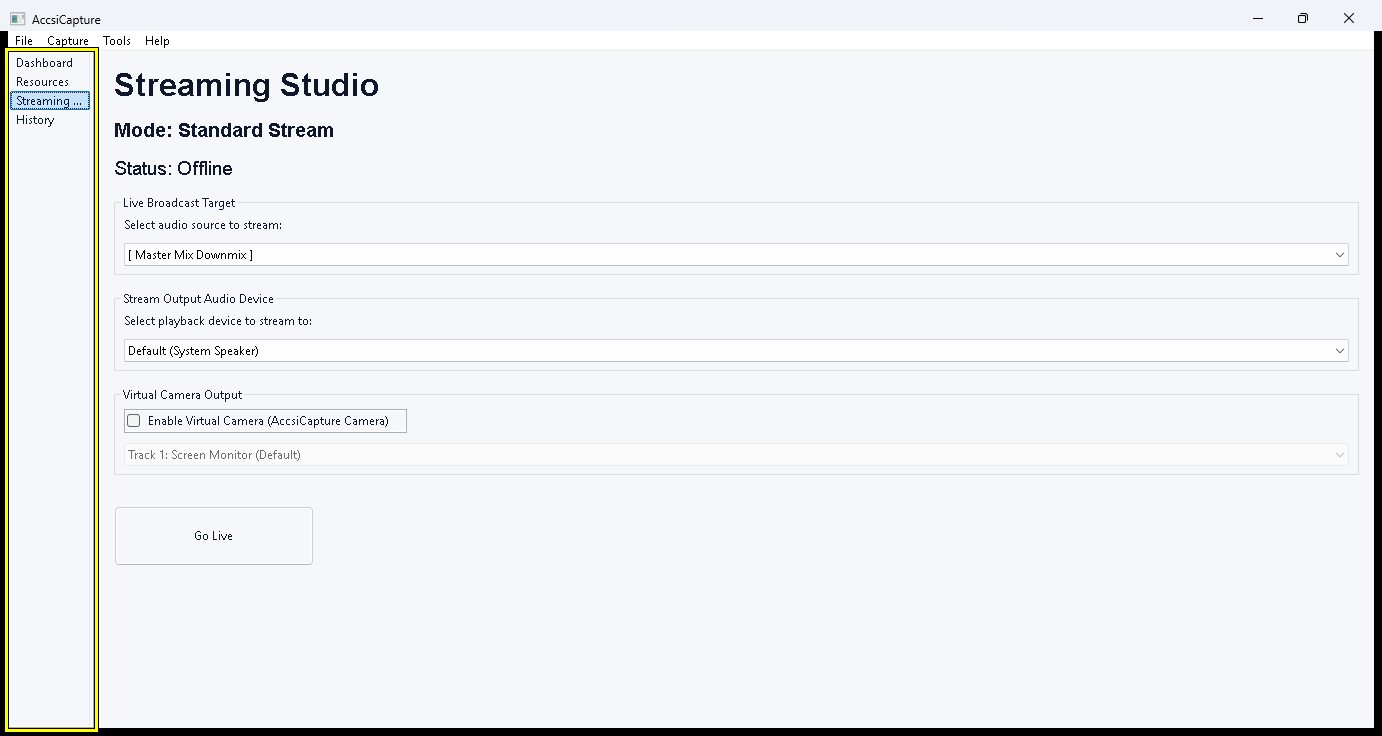
Act as a real-time audio router by capturing your mixed audio tracks (complete with Auto-Ducking and effects) and streaming them live to Zoom, Discord, or OBS.
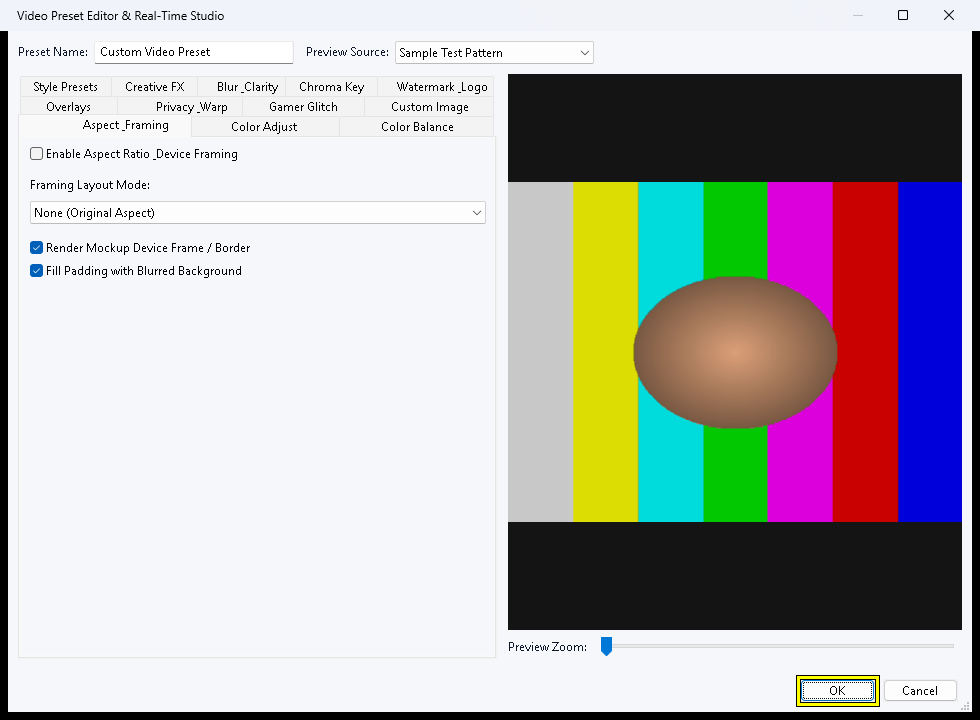
You can also configure AccsiCapture to broadcast any specific video track or customized region as a Virtual Webcam at the system level!
🚀 Get Started Today
Experience the most powerful, flexible, and accessible capture utility on the market.
Statistics
- Downloads today
- 13
- Total downloads
- 10,255